Animate Old Photos with AI
Seeing an ancestor blink, smile and turn their head can be surprisingly moving. Nostalgia AI animates the faces in your old photos and turns a still portrait into a short, lifelike video you can share with family.


On a computer? Try it in your browser
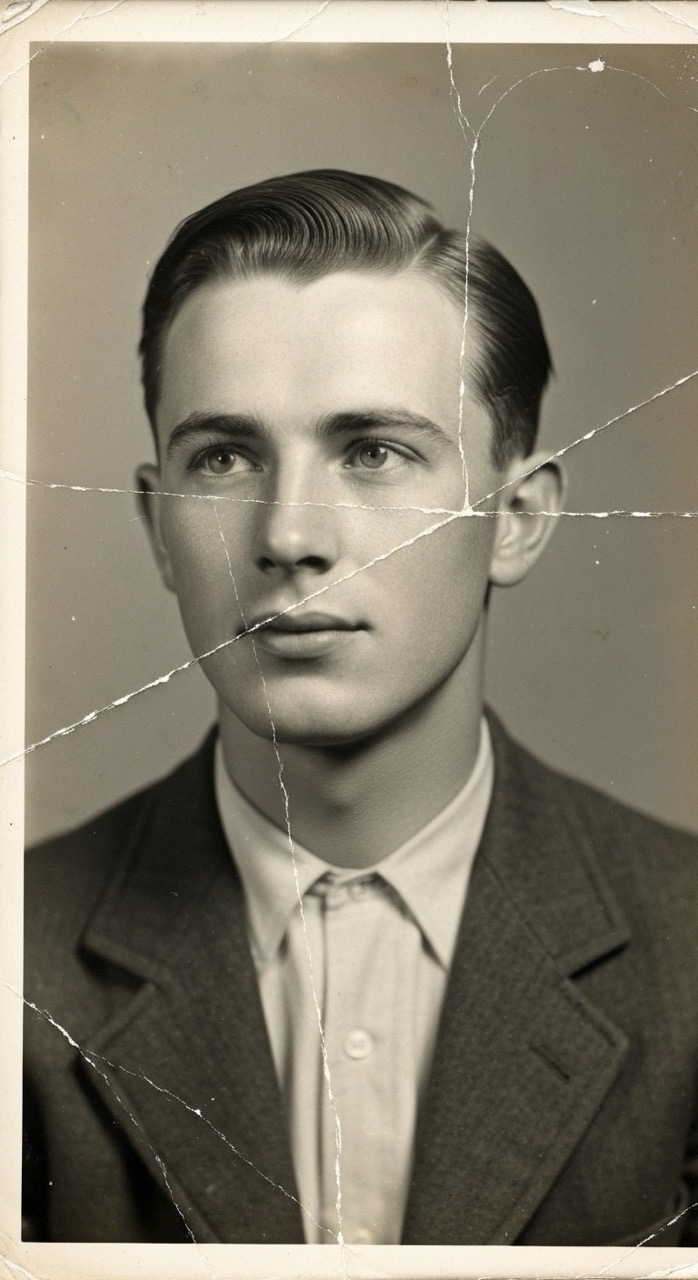
How it works
Upload an old photo
Black and white or color, scanned or photographed from a print.
Pick an animation
Choose a template such as a smile, a hug or a wave, or make the photo talk.
Watch it come to life
Your video is ready in a couple of minutes, ready to save and share.
Why Nostalgia AI
Subtle, natural motion
Blinking, smiling and gentle head movement keep the person recognizable.
Ready-made templates
Browse the template gallery for hugs, kisses, toasts, wedding walks and more.
Restore first, then animate
Fix scratches and add color to the photo before bringing it to life.
Frequently asked questions
How do I animate an old photo?
Upload the photo to Nostalgia AI, choose an animation or template and generate the video.
Can I animate a black and white photo?
Yes. You can animate it as is, or colorize it first.
How long does it take?
Video generation usually takes about 2 to 3 minutes.
Can I animate a photo of someone who has passed away?
Many families do. Videos like a gentle smile or a hug are a popular way to remember loved ones.
Guides
More you can do
Ready to try it on your own photos?