Talking Photo AI: Make Any Photo Talk
With Nostalgia AI you can turn a still portrait into a talking video. The AI maps the face, matches the lip movements to your message and adds natural expressions, so a photo of a grandparent, parent or friend can say a few words to you.


On a computer? Try it in your browser
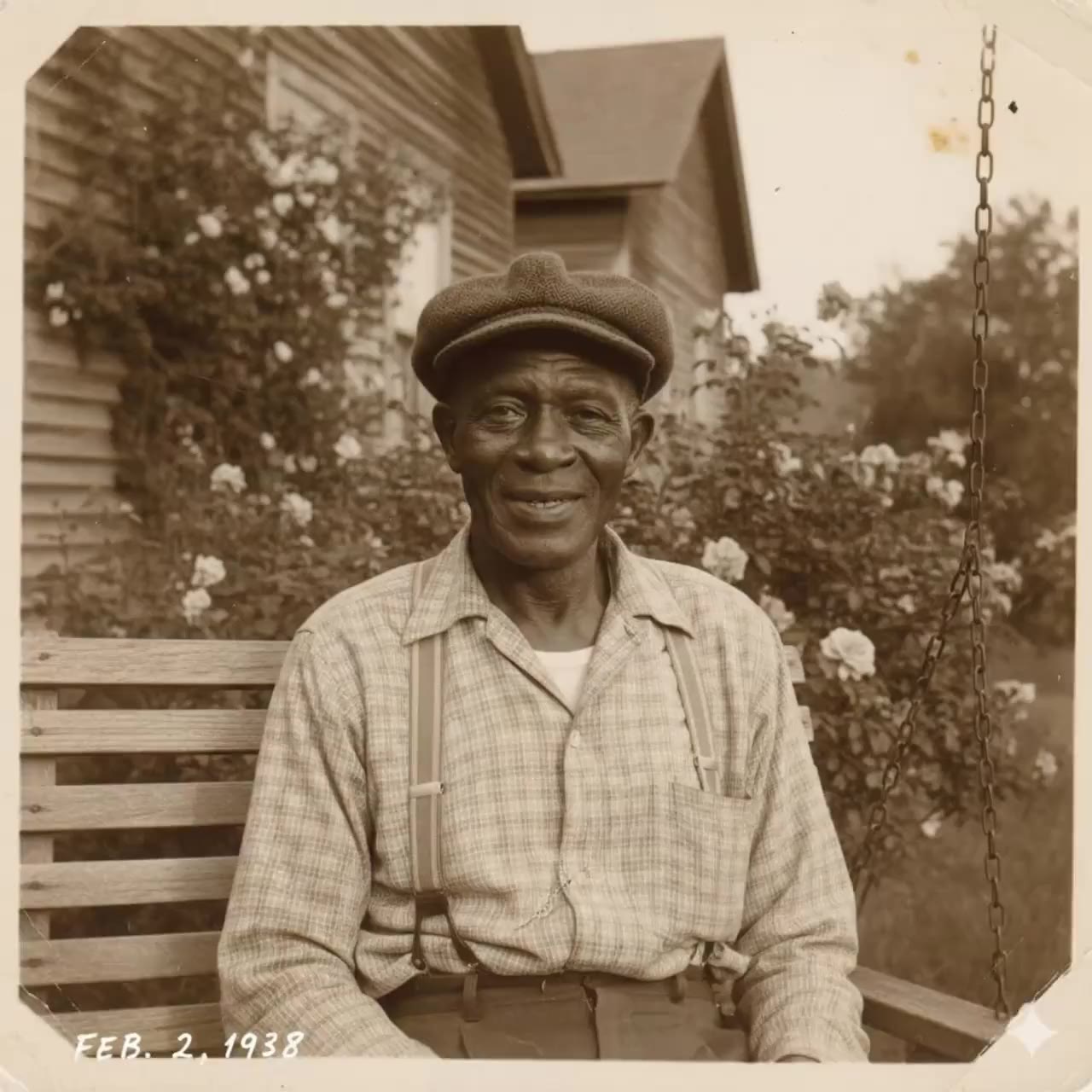
How it works
Choose a clear portrait
A photo where the face is visible and facing the camera works best.
Add the message
Pick the words and the language you want the photo to speak.
Generate the video
Video creation usually takes about 2 to 3 minutes. You can keep browsing while you wait.
Why Nostalgia AI
Lip-synced speech
Mouth movements follow the words, so the result feels natural rather than like a puppet.
Many languages
Make old photos talk in any language, which is handy for families spread across countries.
Meaningful keepsakes
Popular for birthday messages, wedding tributes and remembering loved ones who have passed.
Frequently asked questions
How do I make a photo talk?
Upload a portrait to Nostalgia AI, add your message and generate the video. It takes about 2 to 3 minutes.
What kind of photo works best?
A sharp, front-facing portrait with a clearly visible face. Group photos and very small faces give weaker results.
Can I restore the photo first?
Yes. Restoring a blurry or damaged photo before animating it often gives a better video.
Is it available on mobile?
Yes, on iPhone and Android, and in the browser on desktop.
Guides
More you can do
Ready to try it on your own photos?